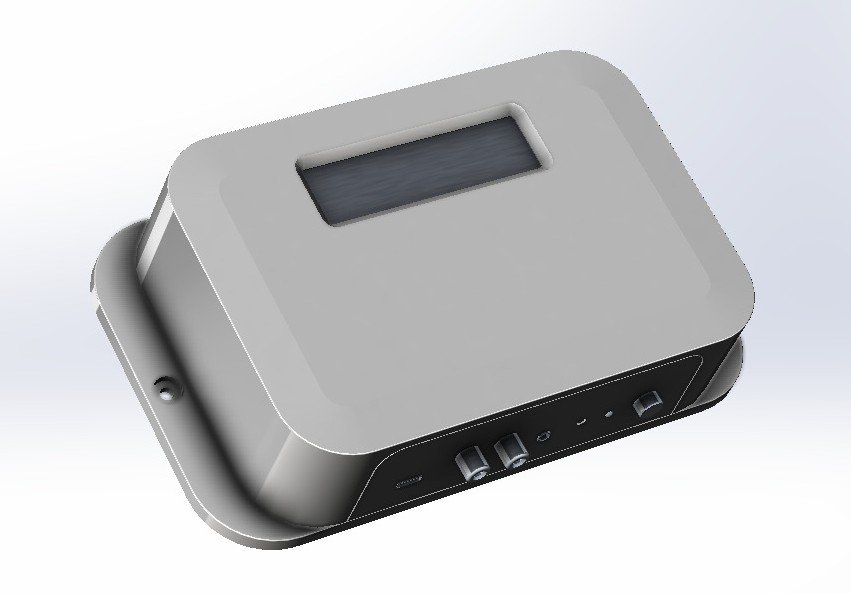
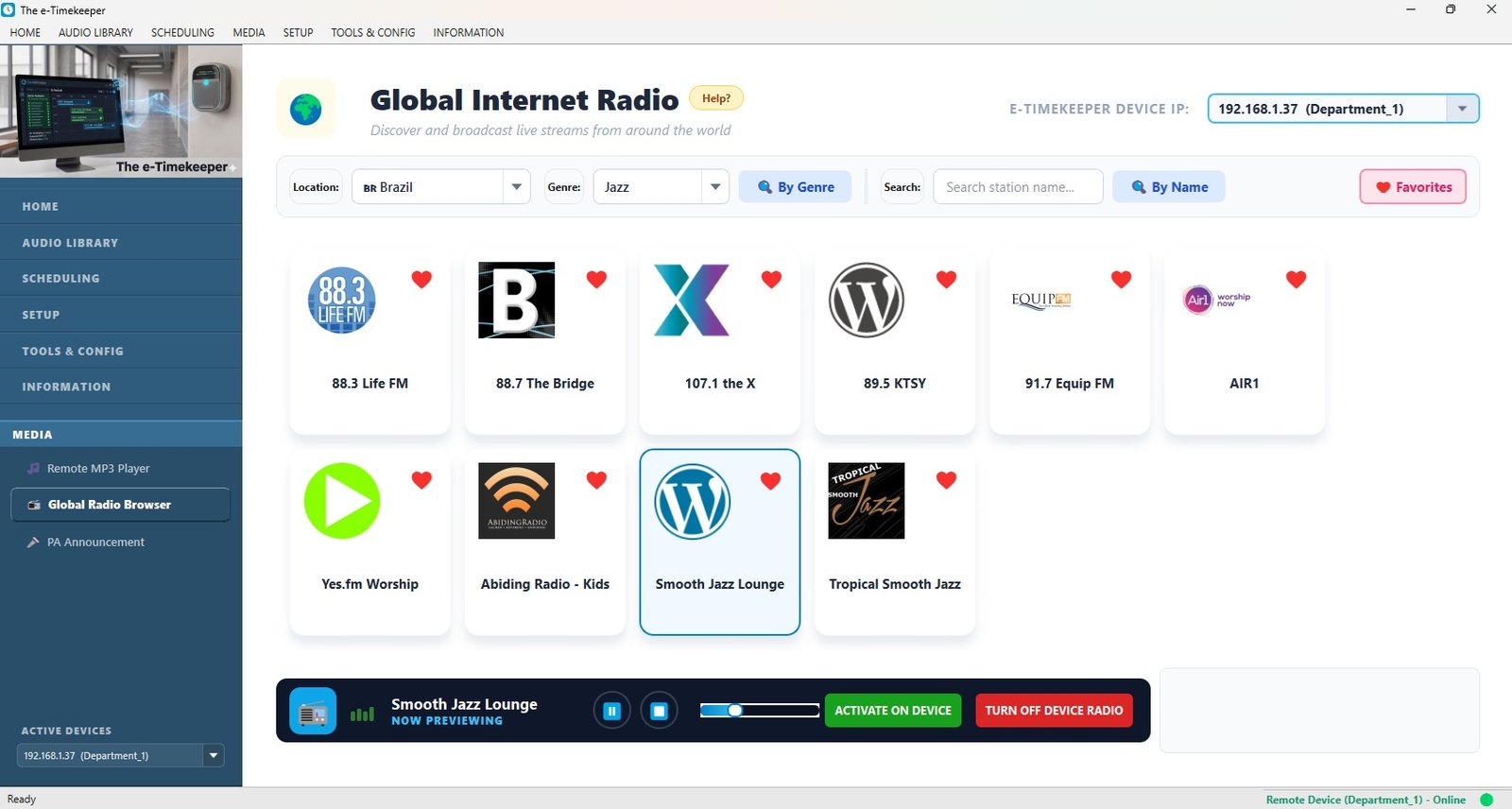
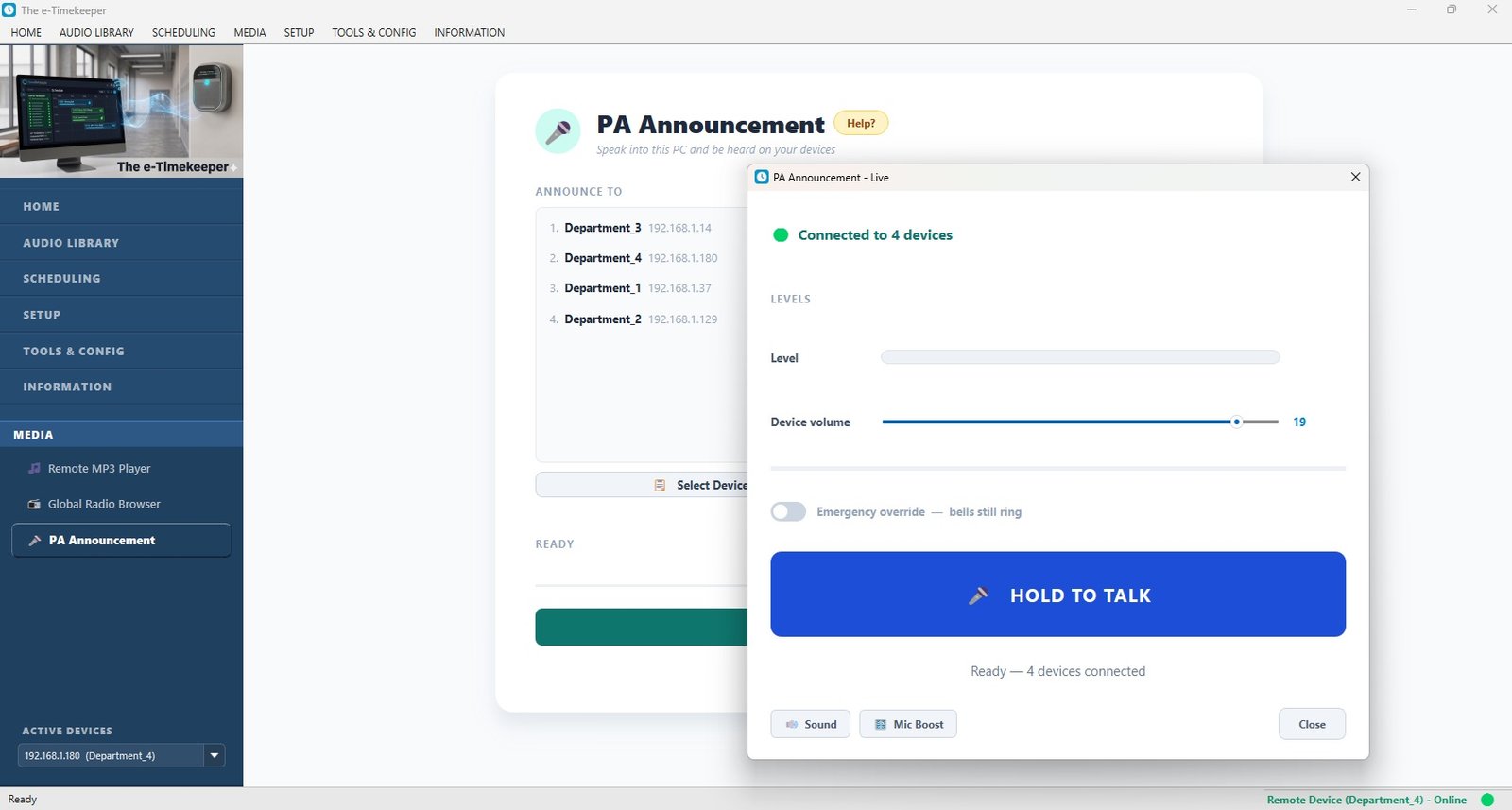
e-Timekeeper is a dedicated wall-mounted device that rings your bells, sounds period changes and plays announcements automatically. Set it once — it runs on its own.
Manual bells depend on someone remembering. A computer has to be left running. e-Timekeeper just works — quietly, reliably, on its own.
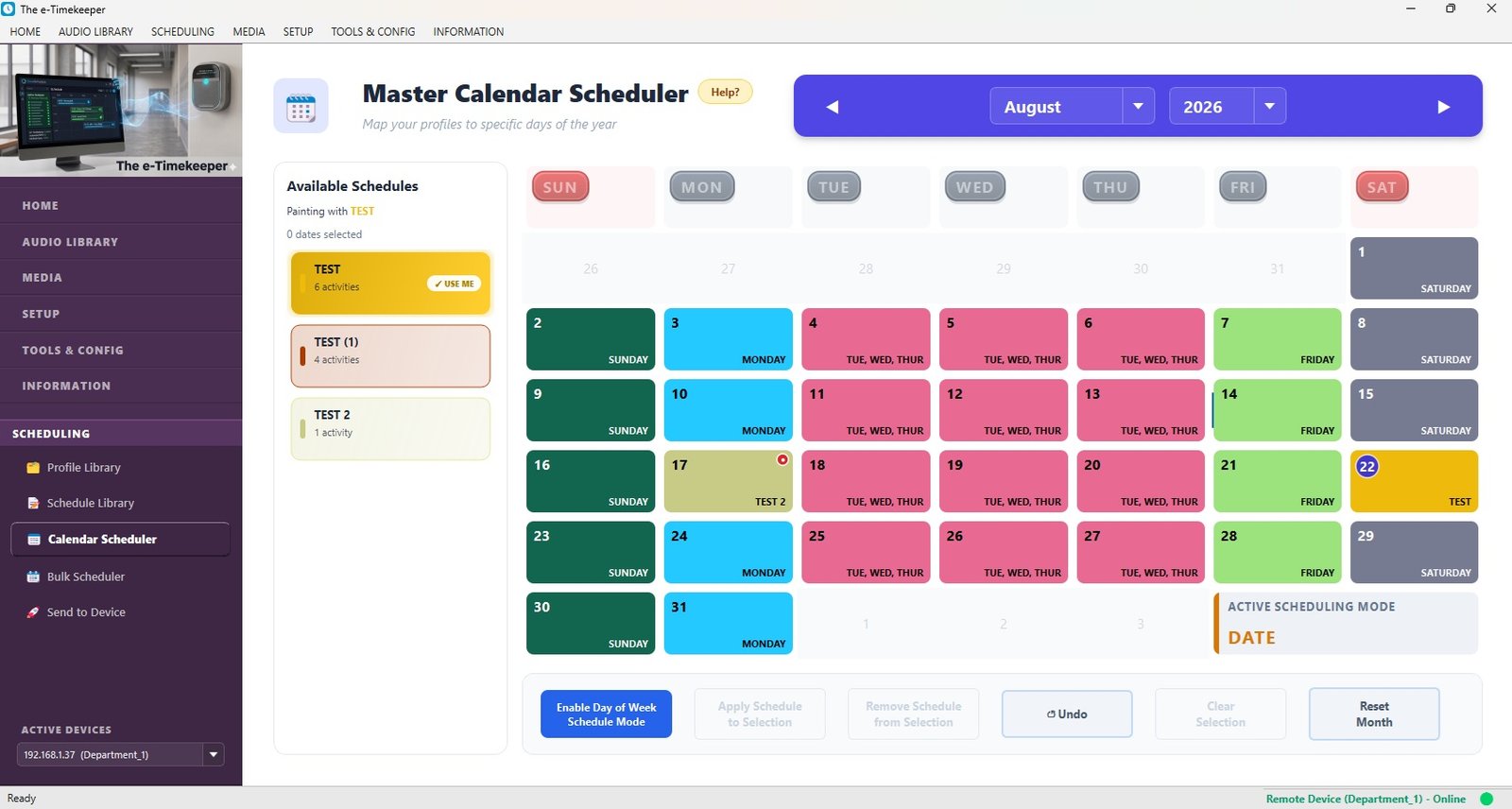
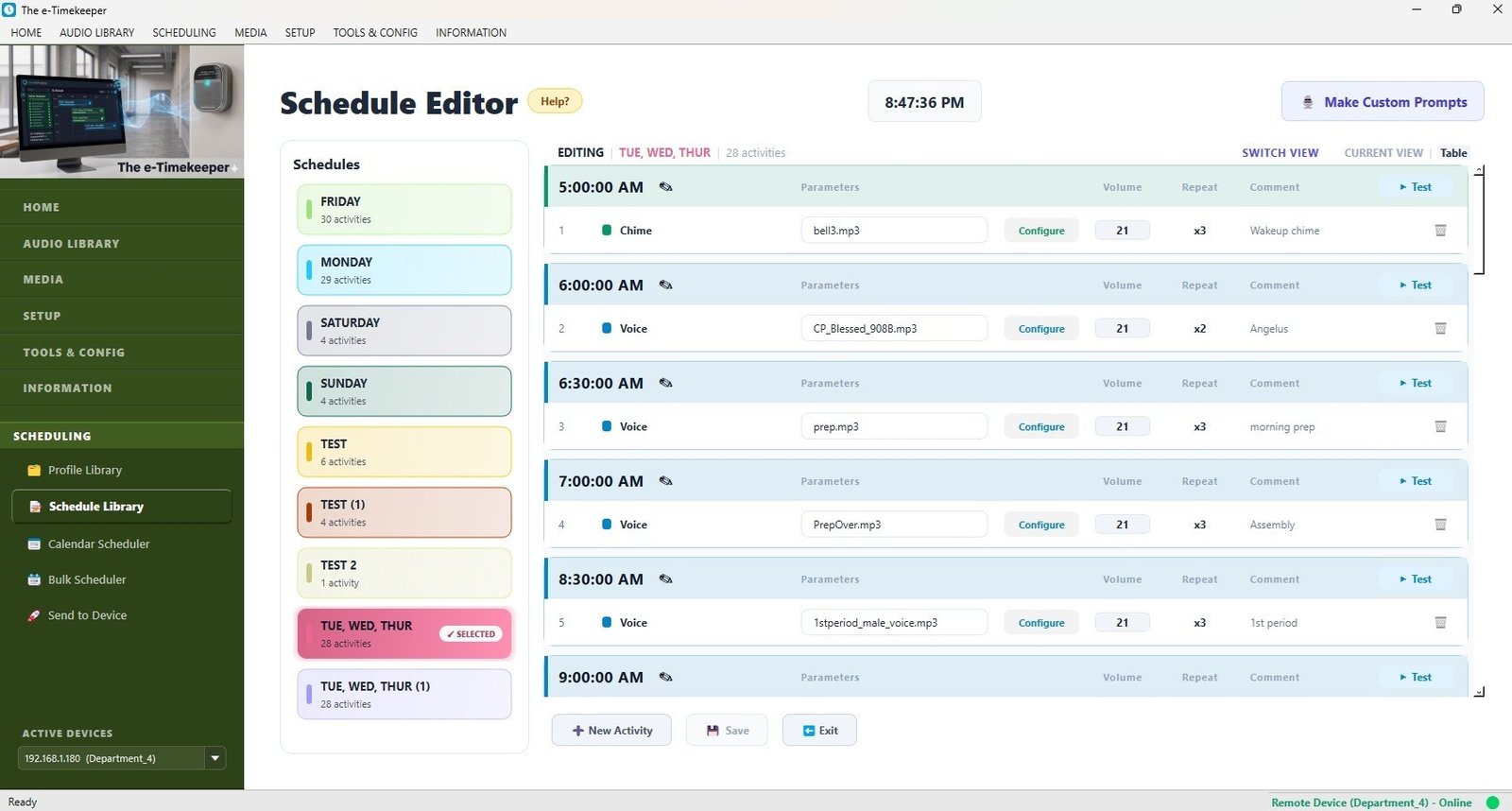
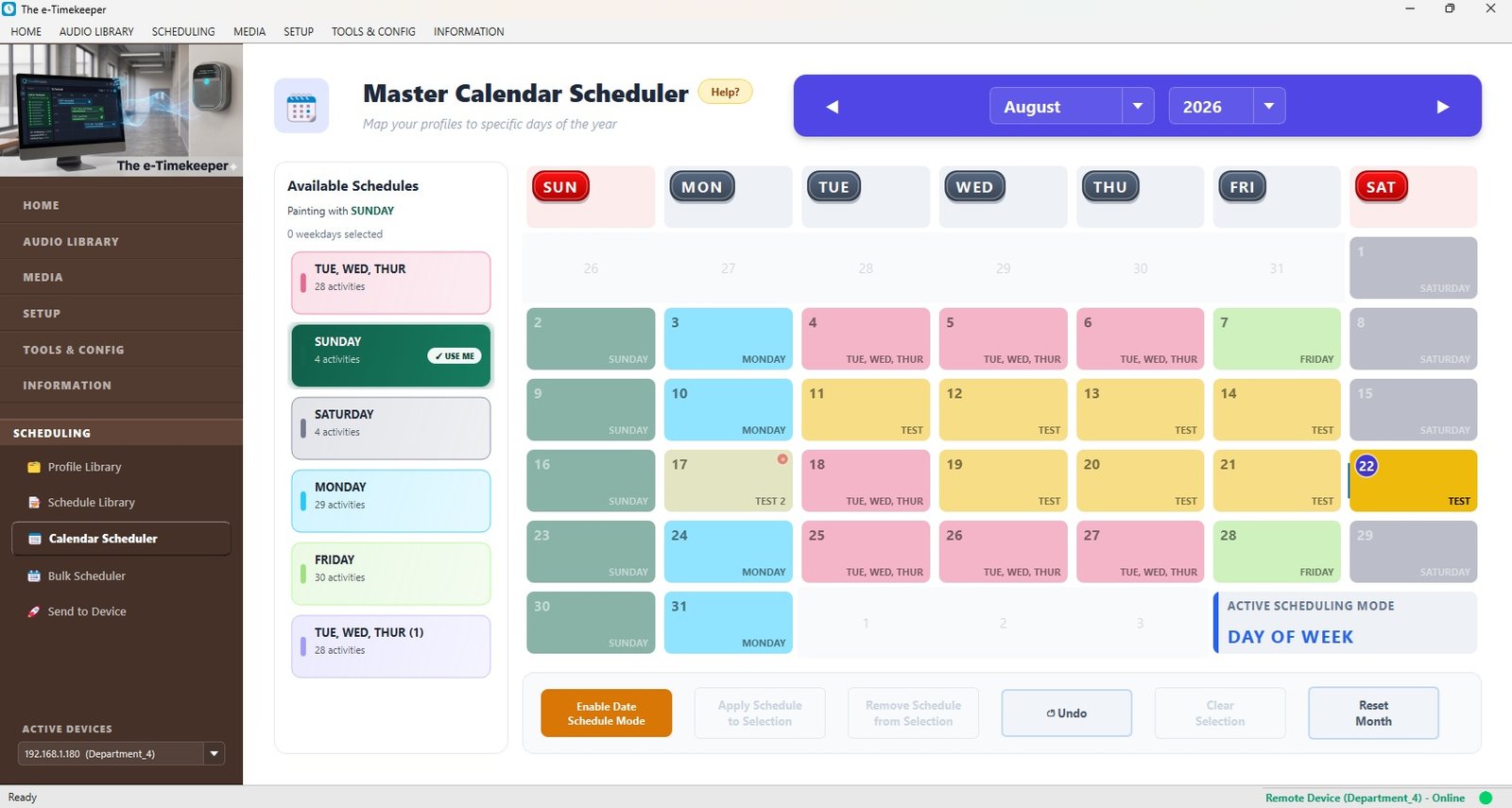
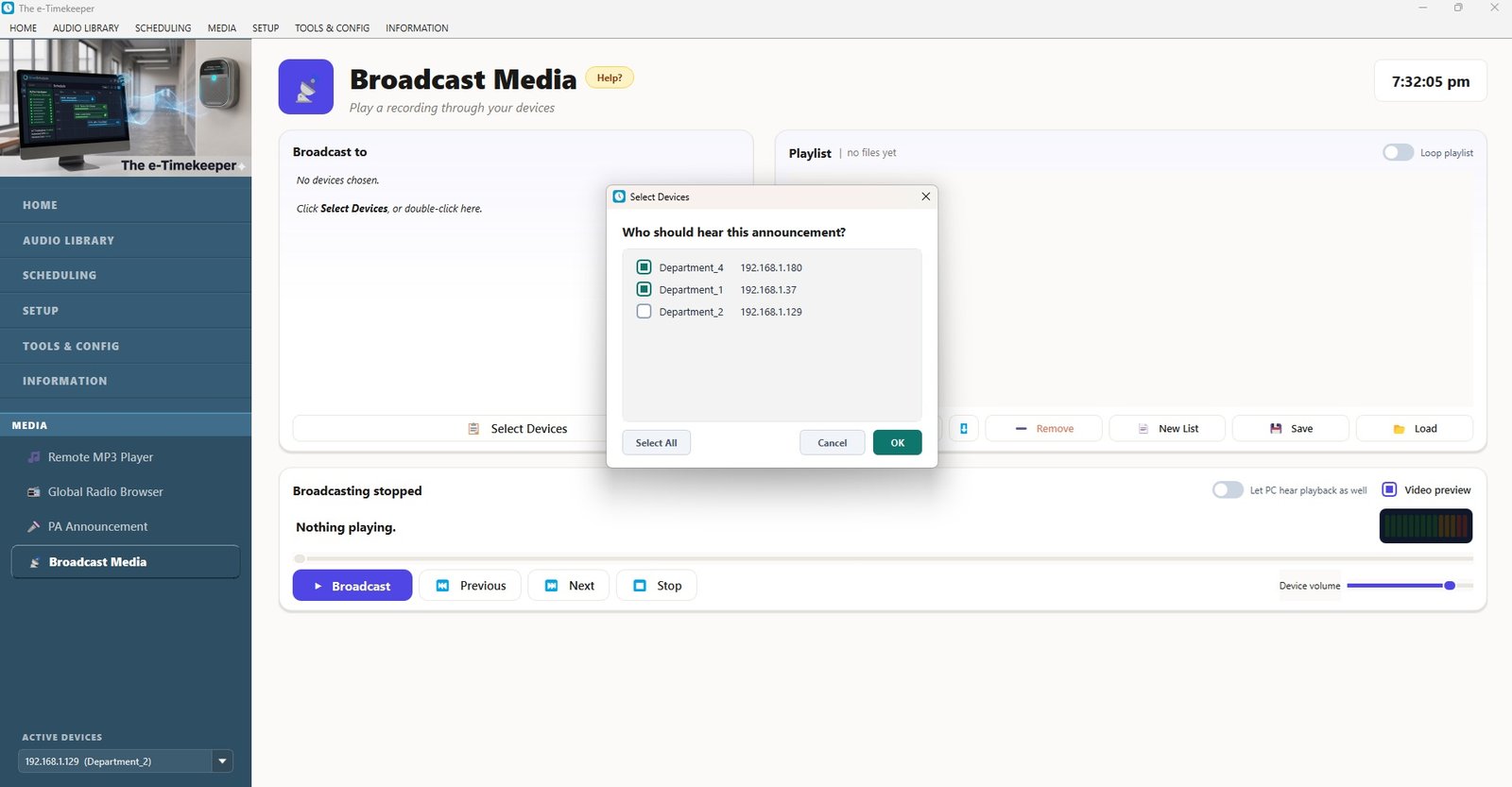
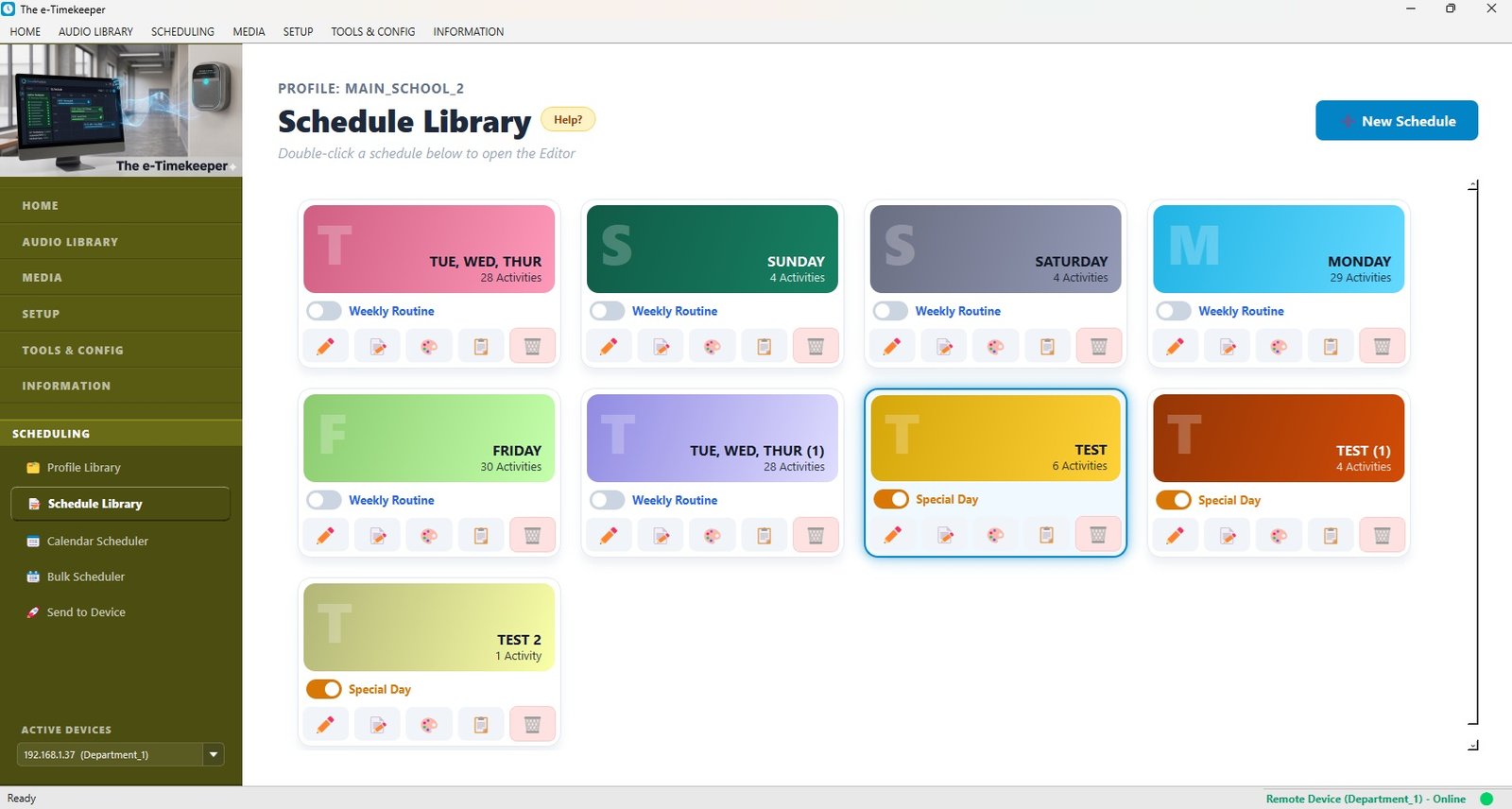
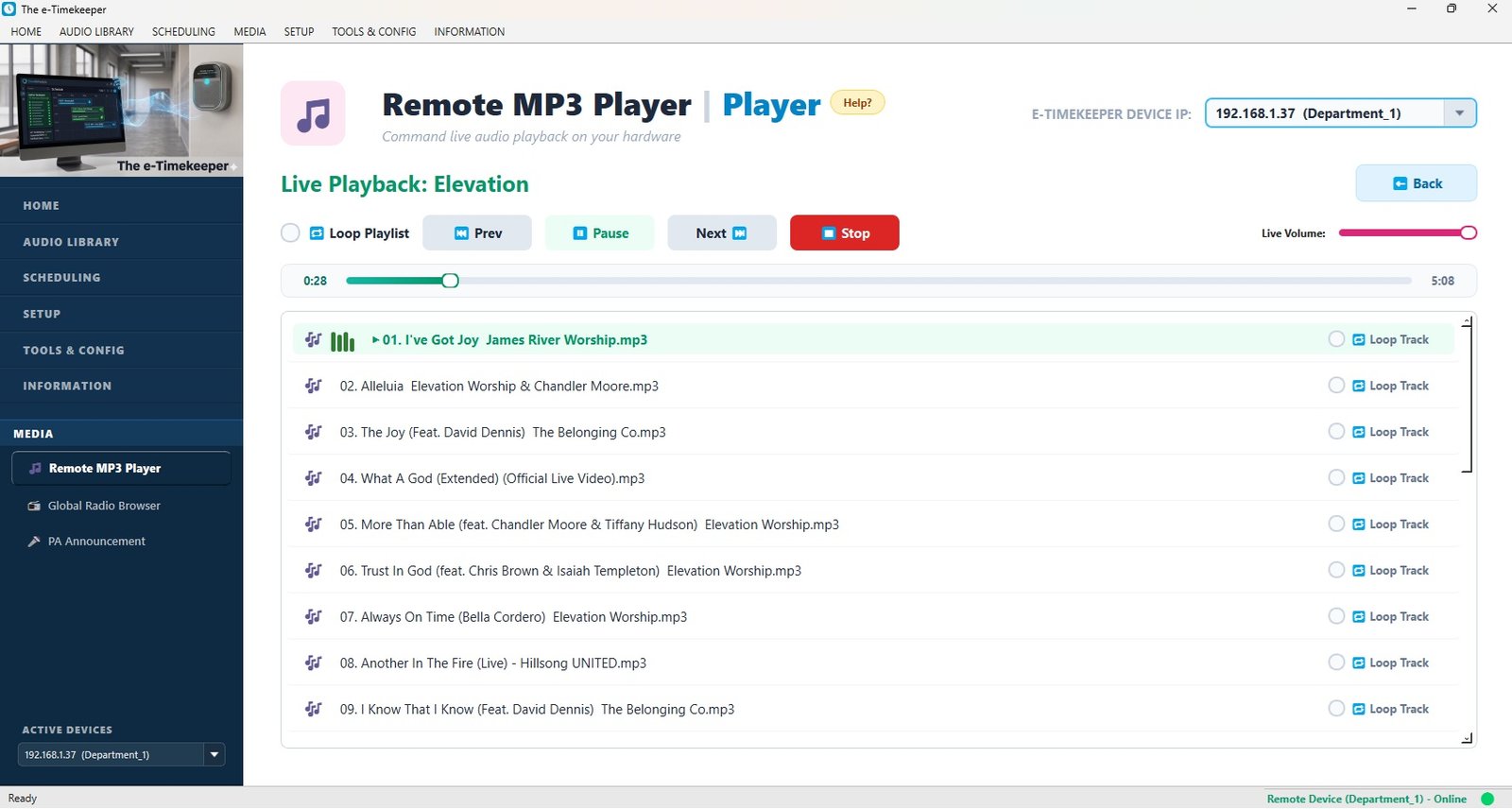
Build your whole term in minutes from a simple app — regular days, exam days, holidays. Then forget about it.
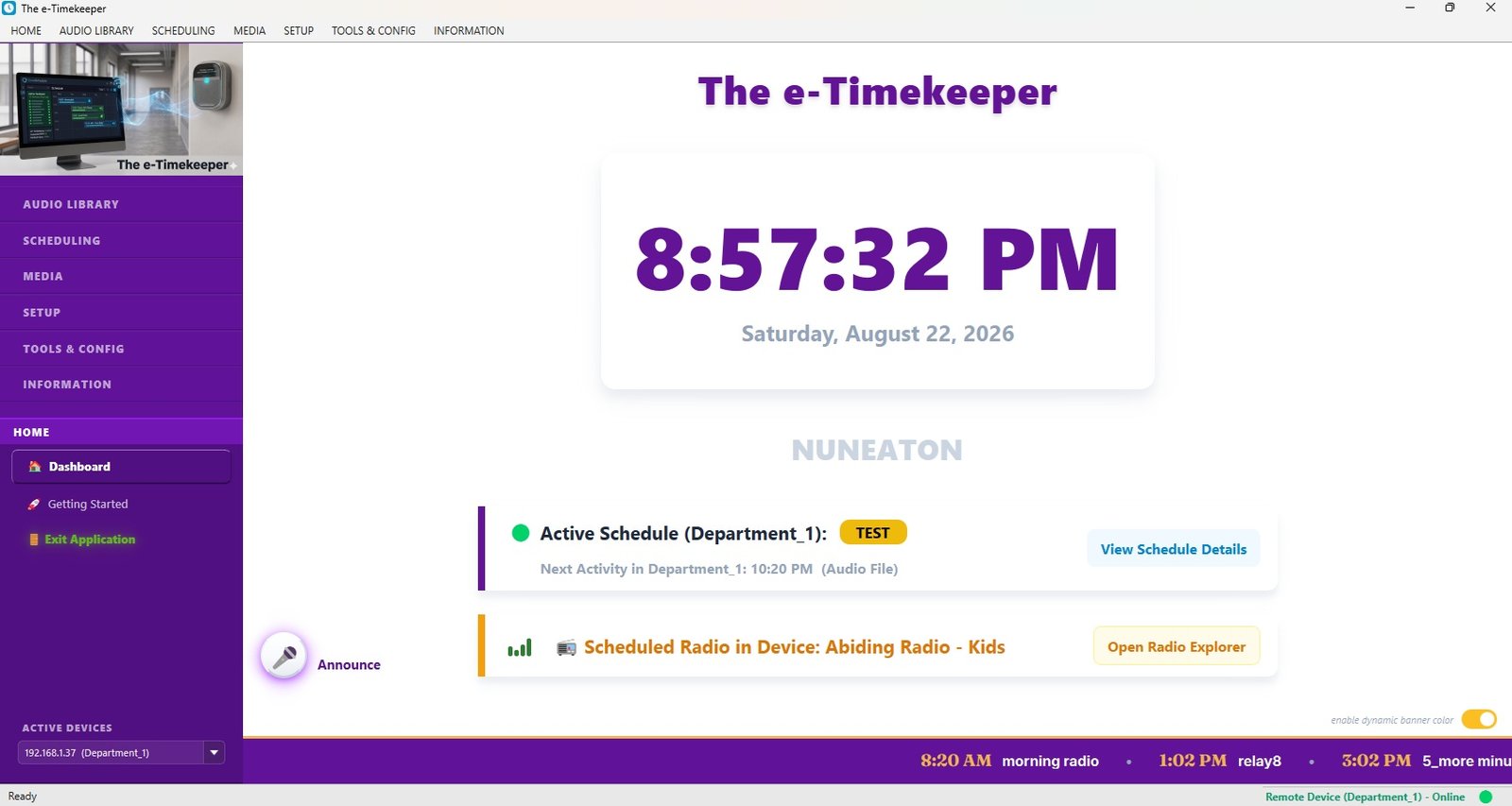
Keeps perfect time and carries on through power cuts. No student to ring it, no PC to leave running.
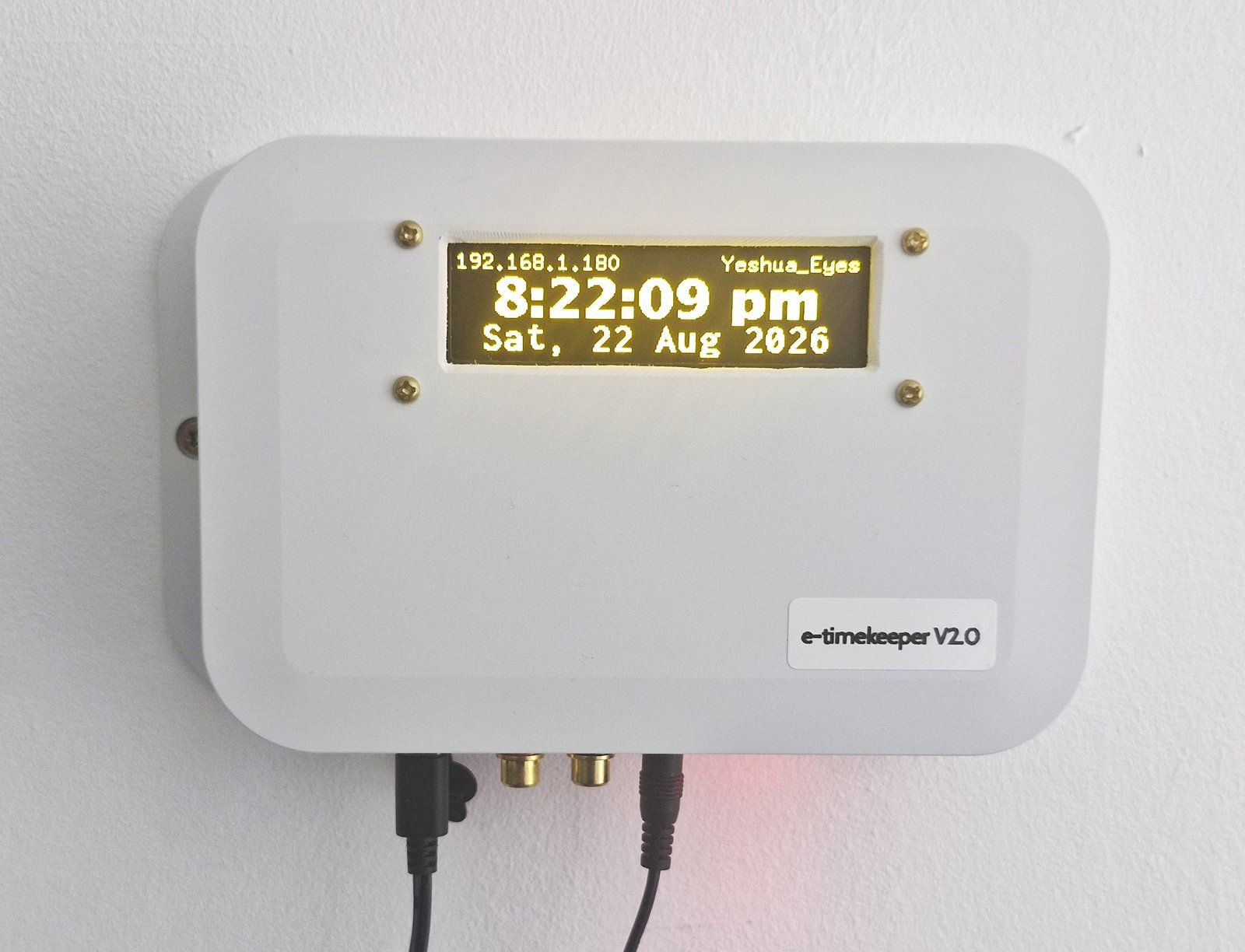
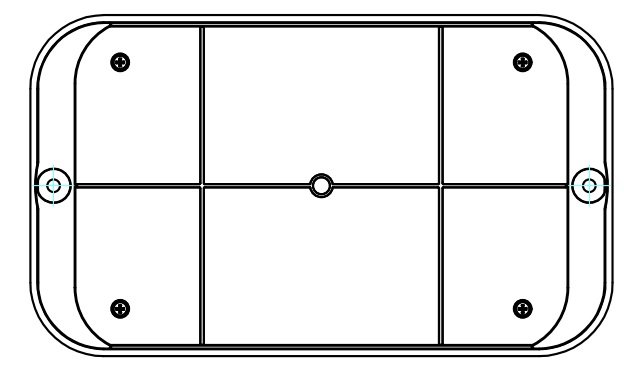
Mounts on the wall beside your existing PA and wires straight in — part of your building, not a gadget to mind.
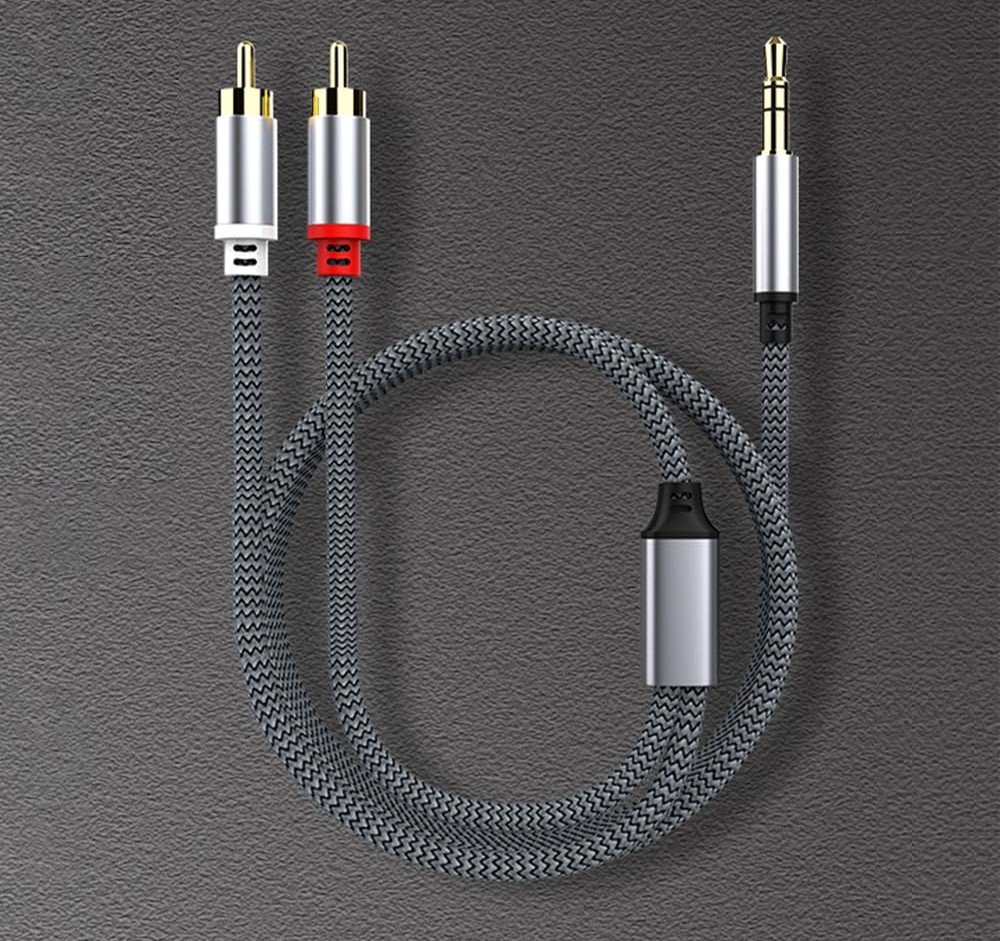
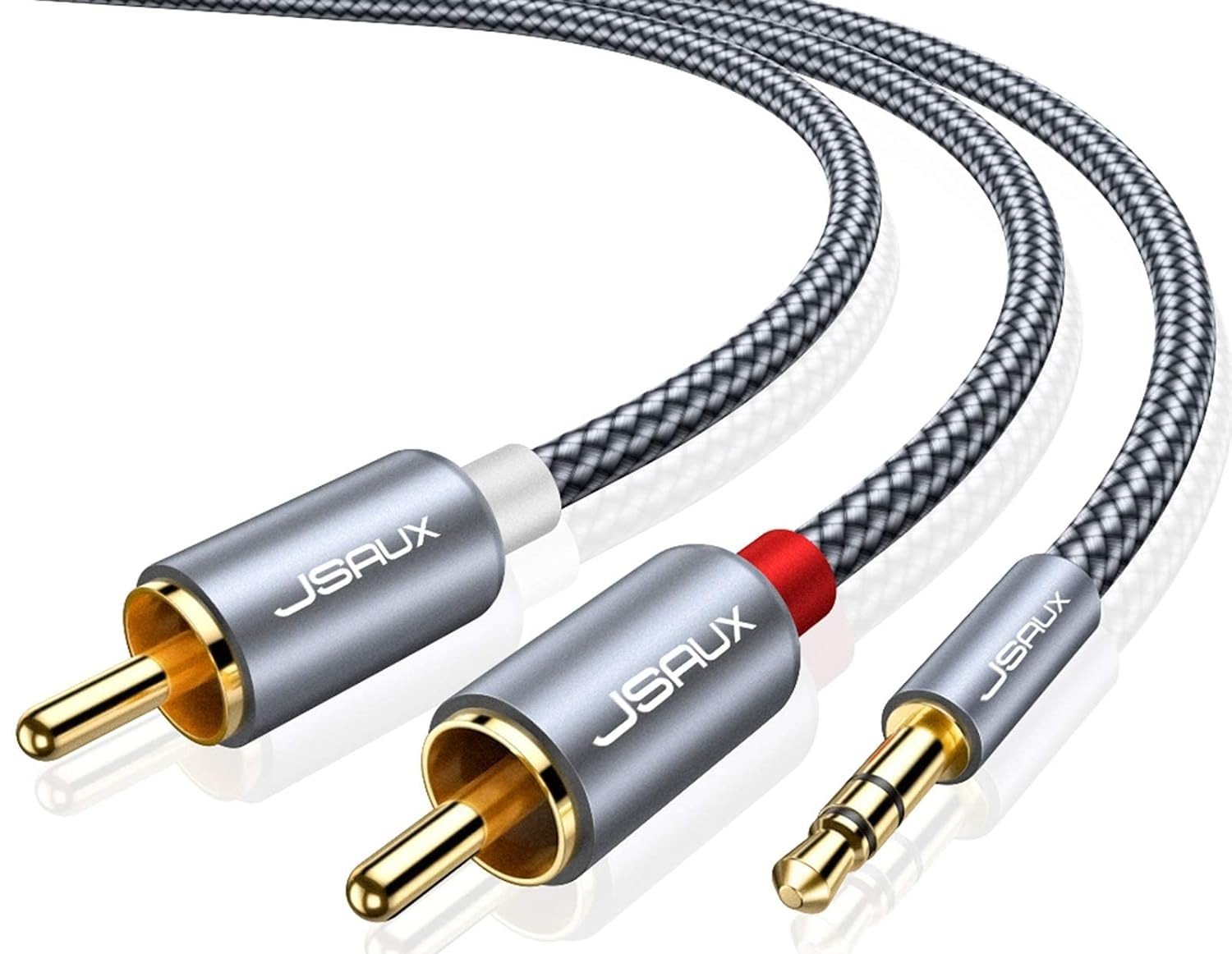
The device mounts on the wall beside your PA system and connects with a standard audio cable — a clean, permanent fit.
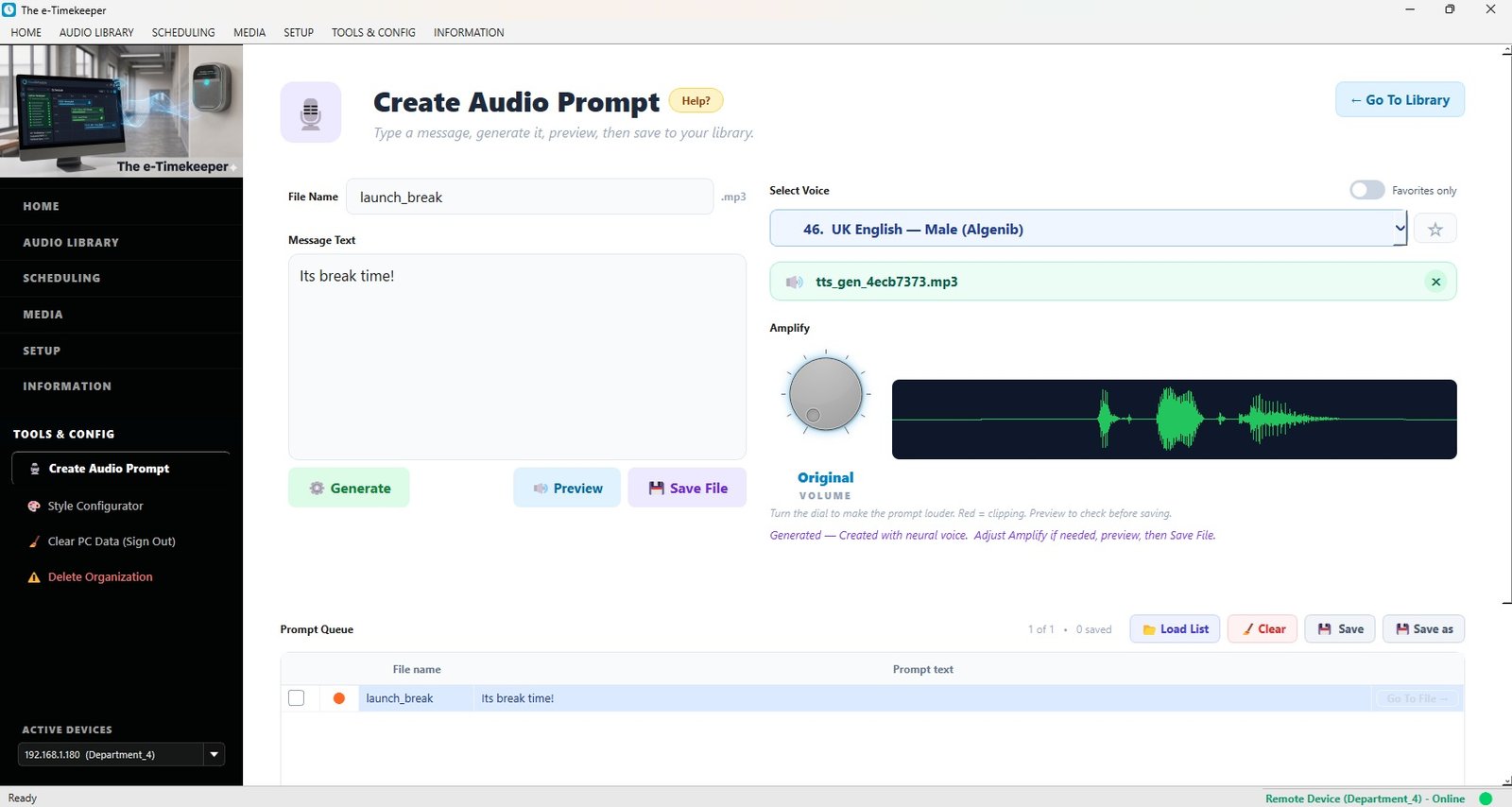
Using the app, you enter your bell times and announcements once, and map them to your calendar.
From then on it sounds every bell and announcement on time, every day — with nothing for anyone to remember.
Contact us to order — we'll arrange payment by card, bank transfer, or school quote.
| Option | Best for |
|---|---|
| [ Standard ] | [ Describe — e.g. a single-building school. ] |
| [ Extended ] | [ Describe what's different — capacity / extra features. ] |
| [ Accessory — audio cable ] | [ Optional add-on, note if recommended. ] |
| [ Accessory — mounting kit ] | [ Install hardware sold separately. ] |
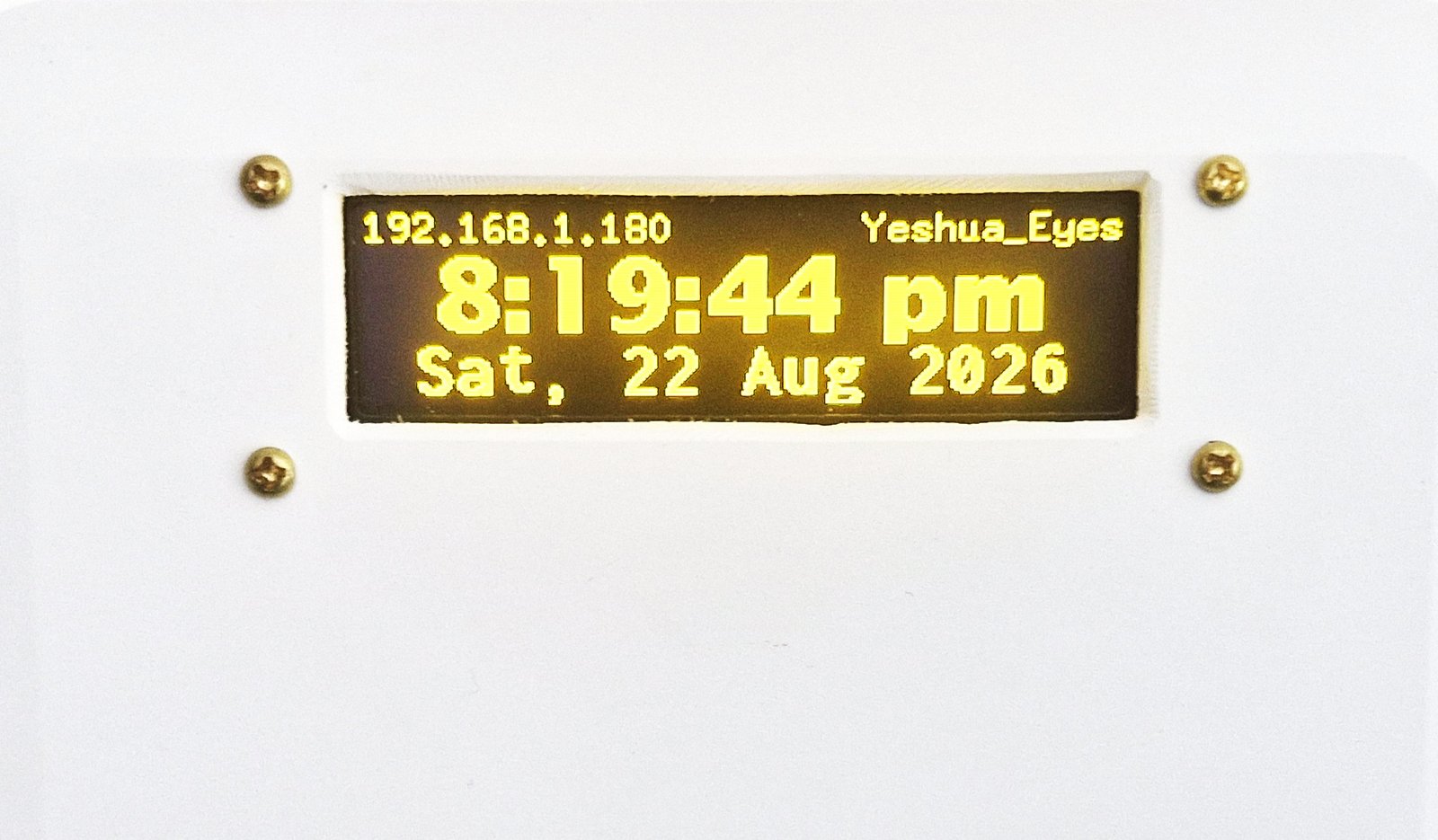
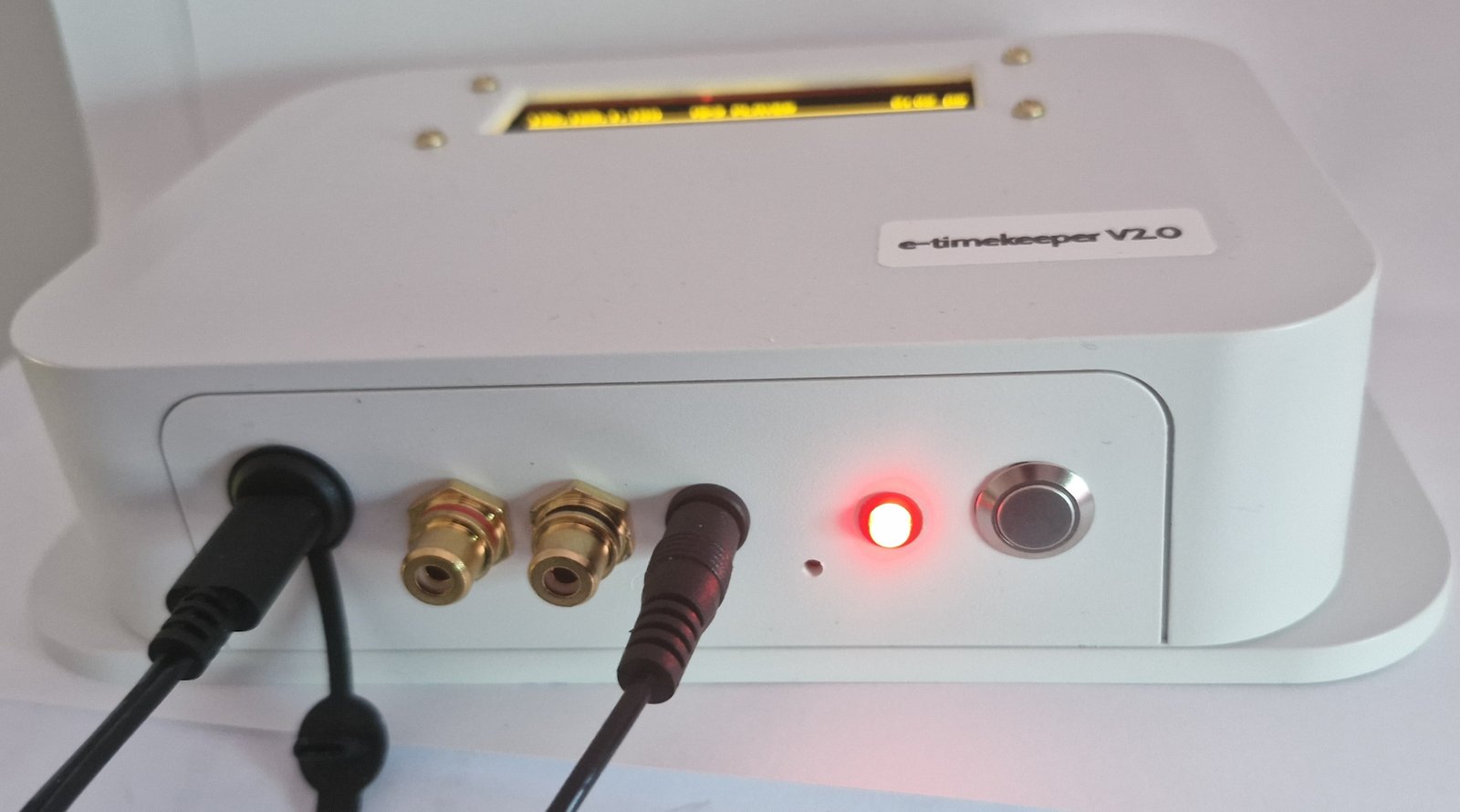
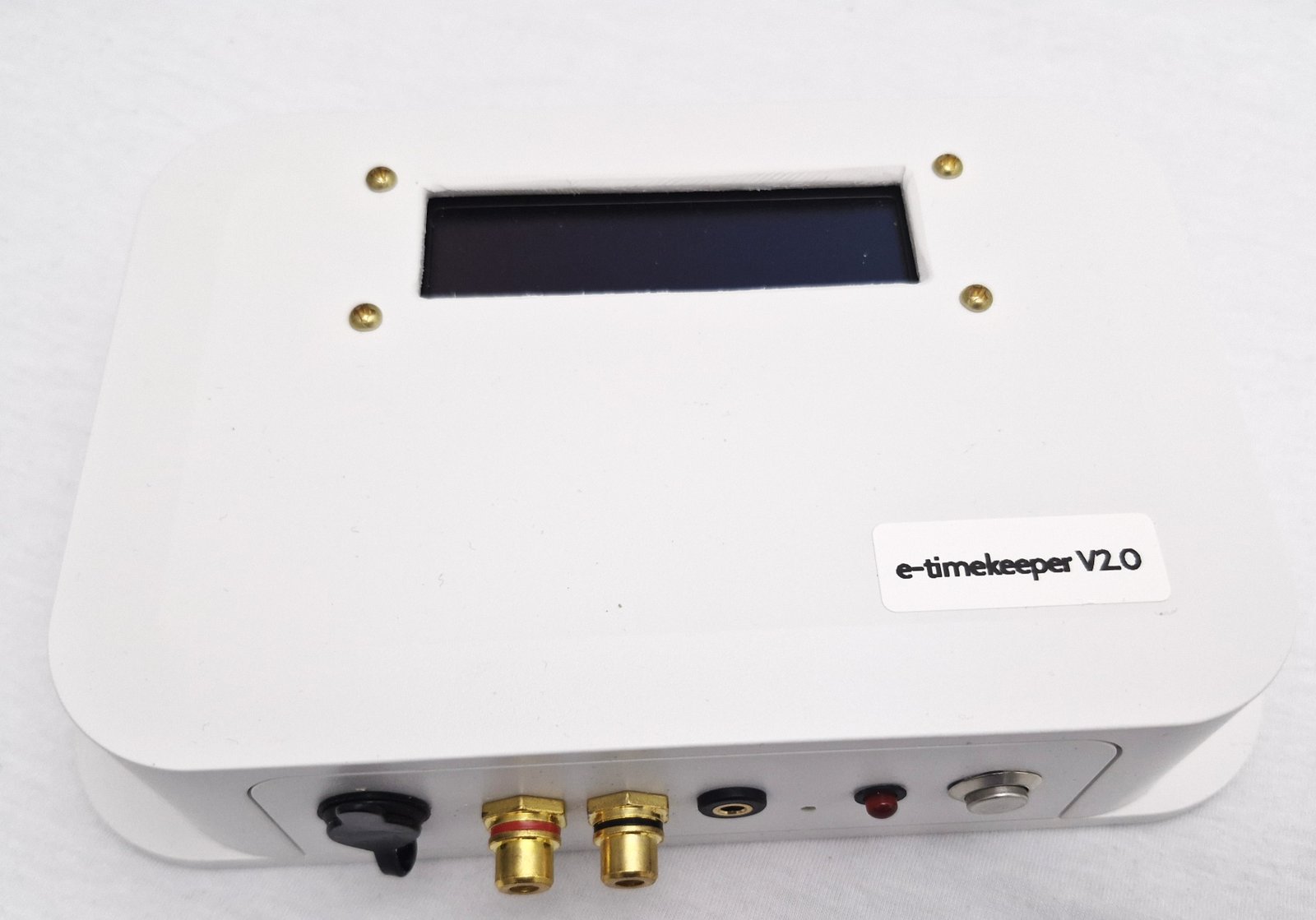
A solid, wall-mountable unit that connects straight into your existing PA system. Here is the actual e-Timekeeper V2.0.
e-Timekeeper is designed and supported by [Your Name / Company]. Behind it is a real person you can reach — not a faceless app. If you ever need help, you call us, and we make it right.
The wall-mounted e-Timekeeper device, the management app, and everything needed to connect to your existing PA system — plus your warranty and our support. [Confirm full box contents.]
It mounts on the wall beside your PA or amplifier and connects with a standard audio cable. [State whether you install it, guide the school, or it's plug-and-connect.]
No. You use the app only to set or change schedules. The device then runs entirely on its own — your computer can be switched off.
The device keeps accurate time and resumes your schedule automatically once power returns.
Just get in touch using the Order now button or our contact details, and we'll arrange payment in whatever way suits your school — card, bank transfer, or a formal quote.
Every device comes with a warranty and our ongoing support. If there's ever a problem, you contact us directly and we resolve it.
Yes — entirely. You set and change schedules whenever you like from the app, with no special training and no need to call anyone.
To order e-Timekeeper for your school, or to ask us anything first, get in touch — we'll guide you through it and arrange payment by card, bank transfer, or school quote.
Email: info@etimekeeper.net · WhatsApp: [ add your number ]